
When it comes to organizing a home move, people tend to rely on spreadsheets, notebooks, and scattered documents, which often leads to costly mistakes and more stress than it is supposed to relieve.
Which is why more and more people are turning to moving apps, which offer a far more efficient solution. These digital tools organize planning, packing, logistics, and hiring help into a single platform.
However, not all moving apps do everything you need, and some do a better job of organizing certain aspects of your move than others.
Knowing what these differences are is key to choosing the right tool for your particular relocation.
In this guide, we review five of the most useful moving apps currently available:
- MoveAdvisor
- Sortly
- Dolly
- TaskRabbit
- MagicPlan
Our team evaluated each app based on:
- Ease of use
- Core functionality
- Pricing structure
- Advantages and limitations
- Best use cases for different types of moves
Why Use a Moving App?
A smooth move involves dozens of tasks that must happen in the right order. Missing one step, like booking movers too late or misplacing inventory lists, can end in disaster.
A well-designed moving app will help you organize the move into three core stages.
- Planning
Planning tools ensure nothing is forgotten during the weeks leading up to your move.
Typical features include:
- Moving timelines
- Task reminders
- Budget tracking
- Checklists and progress tracking
- Packing and Inventory
Packing is one of the most time-consuming parts of moving. Inventory tools help you track every item you pack, which can be invaluable when unpacking or should you need to file an insurance claim.
Common features include:
- Box labeling systems
- Room-based organization
- Digital item inventories
- Photo documentation for valuable belongings
- Moving Day Logistics
Some apps help with the practical side of moving day itself.
These tools may allow you to:
- Hire movers
- schedule labor assistance
- coordinate deliveries
- track moving vehicles
While some apps specialize in a single stage of the process, others attempt to provide an all-in-one moving platform.
Quick Comparison of the Best Moving Apps
| App | Best For | Cost | Platforms | Key Feature |
| MoveAdvisor | Complete move planning | Free | iOS, Android | Timeline + inventory + mover search |
| Sortly | Packing inventory | Free / Paid | iOS, Android | Photo-based item tracking |
| Dolly | Small moves & delivery help | Free (service fees apply) | iOS, Android | On-demand truck and helpers |
| TaskRabbit | Hiring local labor | Variable | iOS, Android | Marketplace for moving assistance |
| MagicPlan | Planning room layouts | Free / Paid | iOS, Android | Scan rooms to create floor plans |
Moving App Reviews
-
MoveAdvisor — Best All-in-One Moving Planner
Overview
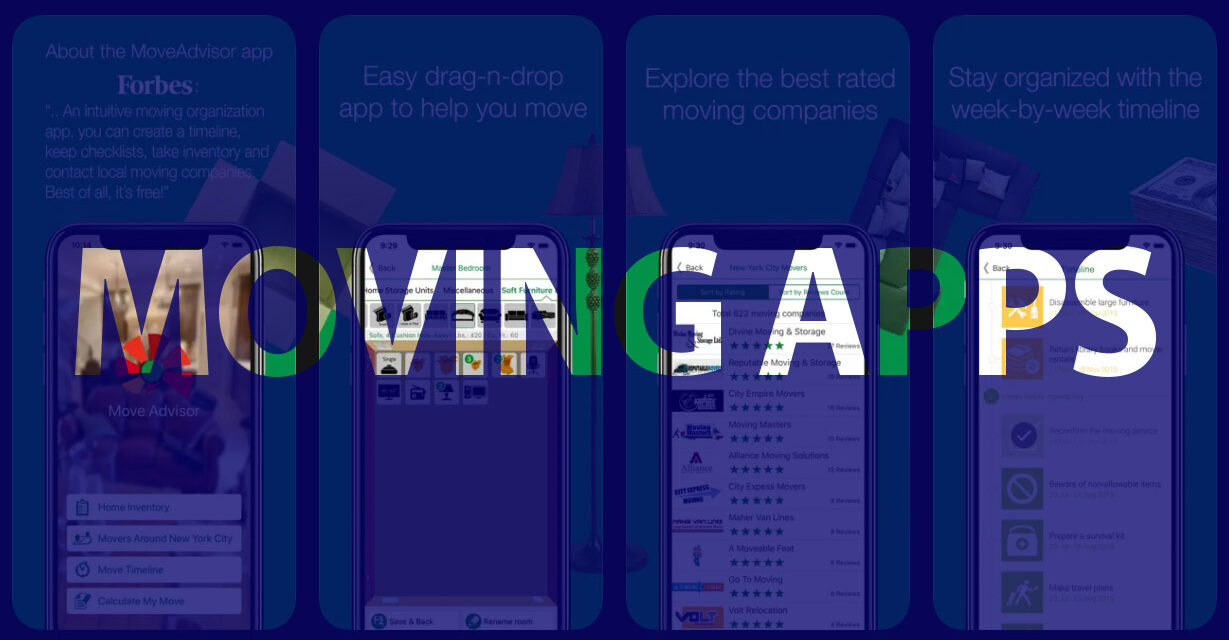
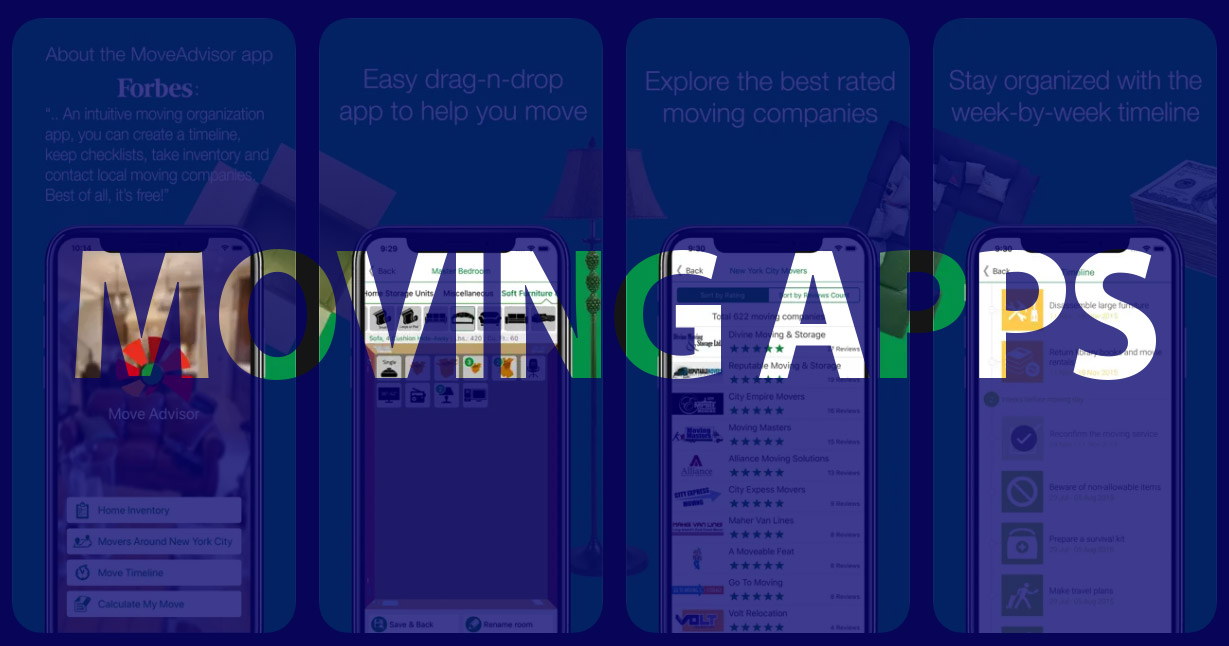
MoveAdvisor is one of the few apps that manage every aspect of your move.
The platform combines planning tools, packing management, and mover searches within one interface.
For many users, it functions almost like a digital moving assistant.
Key Features
- Personalized moving timeline
- Step-by-step task checklist
- Room-by-room inventory tracking
- Moving company directory
- Packing supply calculator
- Estimated moving weight calculator
The built-in weight estimator calculates the weight of your items for a more accurate moving quote.
Ease of Use
MoveAdvisor is very beginner-friendly.
Once basic details such as your move date and home size are entered, the app automatically generates a customized moving plan with weekly tasks.
Pricing
Free to download and use.
Pros
- Comprehensive planning tool
- Combines multiple moving functions
- Useful reminders and checklists
- Built-in mover search
Cons
- Inventory features are simpler than dedicated inventory apps
- User interface feels a little dated
Best For
Households that are looking for a single app to manage their entire move.
-
Sortly — Best for Packing and Inventory Tracking
Overview
Sortly is technically an inventory management tool rather than a moving app. However, its powerful item-tracking system makes it extremely useful when packing for a move.
The platform allows users to build a detailed digital catalog of everything they own.
Key Features
- Photo-based inventory system
- Room and category organization
- QR code labels for boxes
- Exportable packing lists
- Cloud synchronization across devices
Users can attach multiple images to each item, which is particularly helpful when documenting valuables for insurance purposes.
Ease of Use
The visual interface makes it easy to add items as you pack.
However, documenting a full household inventory can take time, especially for larger homes.
Pricing
- Free version available
- Premium plans start around $4.99 per month
Pros
- Excellent inventory management
- Visual packing system
- Useful for insurance documentation
- QR labeling simplifies box tracking
Cons
- The free version has limited features
- Not designed for full move planning
Best For
Homeowners who are moving high-value items and want detailed oversight of everything they pack.
-
Dolly — Best for Small Moves and Furniture Delivery
Overview
Dolly specializes in moving and delivery help.
Rather than hiring a full-service moving company, users can book vetted local helpers with pickup trucks, cargo vans, or box trucks through the app.
This makes Dolly particularly useful for small apartment moves, furniture deliveries, or transporting a few large items.
Key Features
- On-demand moving help
- Upfront pricing estimates
- Background-checked helpers
- Real-time communication with movers
- Scheduling for same-day or future moves
Users simply enter their pickup location, destination, and item details to receive a price and book assistance.
Ease of Use
The booking process is straightforward and similar to ride-sharing apps.
Once a job is scheduled, the app allows users to track their helper and communicate directly.
Pricing
- Free app download
- Service prices vary depending on the job
Pros
- Convenient for small moves
- Upfront pricing
- Fast scheduling
- Includes truck and labor options
Cons
- Limited coverage in some regions
- Not designed for full household relocations
Best For
People who need quick help moving a few items or completing a small move.
-
TaskRabbit — Best for Hiring Extra Moving Help
Overview
TaskRabbit connects users with local workers who can assist with a wide variety of tasks, including moving.
While not exclusively designed for relocation, it can be extremely useful when extra help is needed.
Common Moving Tasks
Workers can assist with:
- Packing boxes
- Loading and unloading trucks
- Carrying heavy furniture
- Assembling furniture after the move
Key Features
- Local service marketplace
- Worker reviews and ratings
- Hourly pricing
- Flexible scheduling
Pricing
Hourly rates are set by individual workers, typically ranging between $25 and $80 per hour depending on location and demand.
Pros
- Flexible labor assistance
- Transparent reviews
- Easy booking
Cons
- Service quality varies by worker
- Not suitable for full-service moves
Best For
DIY movers who need extra help with lifting or packing.
-
MagicPlan — Best for Planning Furniture Layouts
Overview
MagicPlan helps users create digital floor plans by scanning rooms with their smartphone camera.
For anyone moving into a new home, this can be very useful for planning where furniture will fit.
Key Features
- Room scanning with a smartphone camera
- Automatic floor plan generation
- Accurate measurement tools
- Furniture layout planning
Ease of Use
Basic floor plan creation is straightforward, though advanced tools are more complicated.
Pricing
- Free basic version
- Paid plans for exports and advanced features
Pros
- Excellent layout planning tool
- Accurate measurements
- Useful for renovation and interior design
Cons
- Not a moving planner
- Advanced exports require a paid plan
Best For
Homeowners who want to visualize furniture placement before moving in.
Which Moving App Is the Best For You?
Different apps are better than others at different parts of the relocation process.
Here are the best options in each category.
Best All-in-One Moving Planner: MoveAdvisor
Best Inventory and Packing Tool: Sortly
Best for Small Moves or Deliveries: Dolly
Best for Hiring Extra Help: TaskRabbit
Best for Planning Home Layouts: MagicPlan
How to Choose the Right Moving App
The best moving app depends on the type of move you’re planning.
For example:
- If you want a complete planning platform, MoveAdvisor is the best choice.
- If your priority is tracking belongings while packing, Sortly provides the best inventory system.
- If you only need help transporting furniture or completing a small move, Dolly can be a useful solution.
- DIY movers who need help may prefer TaskRabbit.
- Those planning furniture layouts in a new home will love MagicPlan.
Regardless of the tool you choose, it’s best to start using a moving app six to eight weeks before your move. That timeline allows enough time to organize tasks, track packing progress, and coordinate moving day logistics.
With the right moving app, you can turn chaos into a well-organized, expertly planned relocation.


